Everyday traffic
Follow DNS lookups and TCP and UDP conversations across IPv4 and IPv6 hosts.
Open traffic replayPCAP & PCAPNG analysis
Turn packet captures into interactive network maps. Replay traffic, inspect individual packets, and trace security findings to the packets behind them.
Synthetic capture. No upload required.
Public demo. Personal PCAP and PCAPNG analysis requires the local installation.
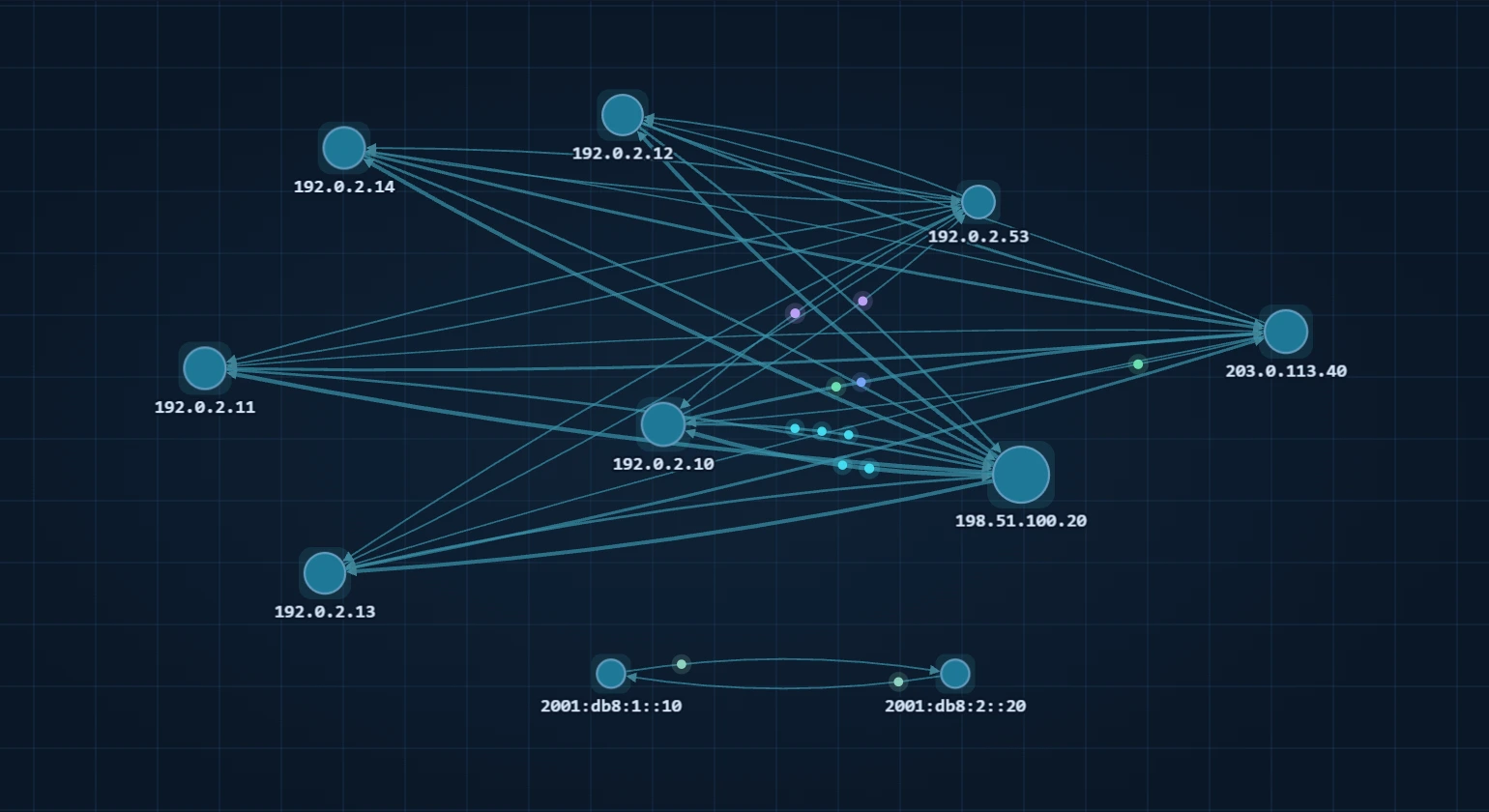
Both samples open in Replay Studio. Scrub the timeline or expand the graph to record a walkthrough.
Follow DNS lookups and TCP and UDP conversations across IPv4 and IPv6 hosts.
Open traffic replayJump to a finding on the timeline, see which hosts were involved, and examine the supporting packets.
Open investigation replayFind the evidence behind three synthetic cases, from unusual DNS requests to a sudden traffic surge.